THE INVITATION GUIDE
Personalized invitation boxes.
Your signature, in silk.
A name, a pair of initials or a carefully drawn monogram can make the presentation feel unmistakably yours. The finish should complement the silk and the invitation inside.
Explore the collections →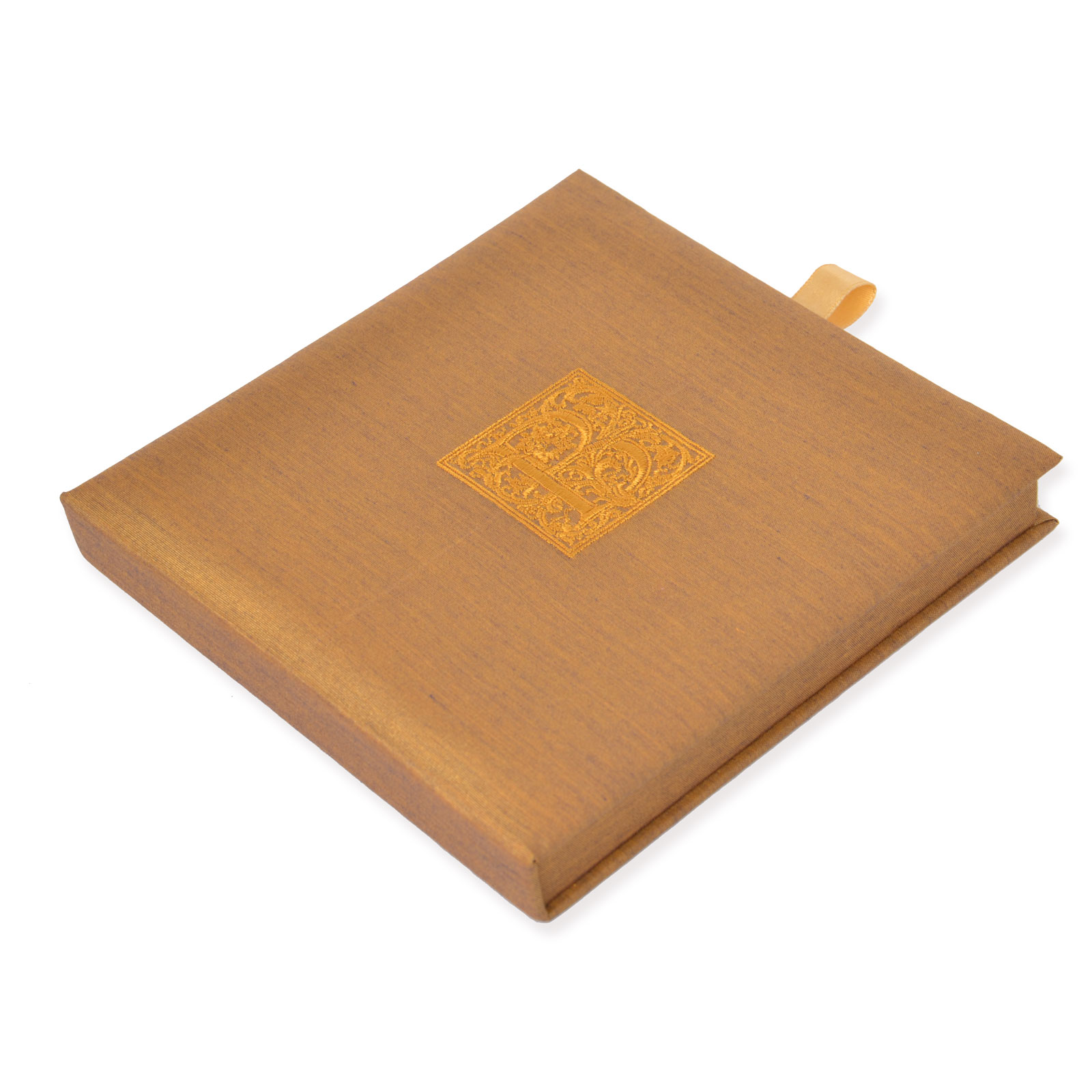
TEXTURE AND CHARACTER
An embroidered signature.
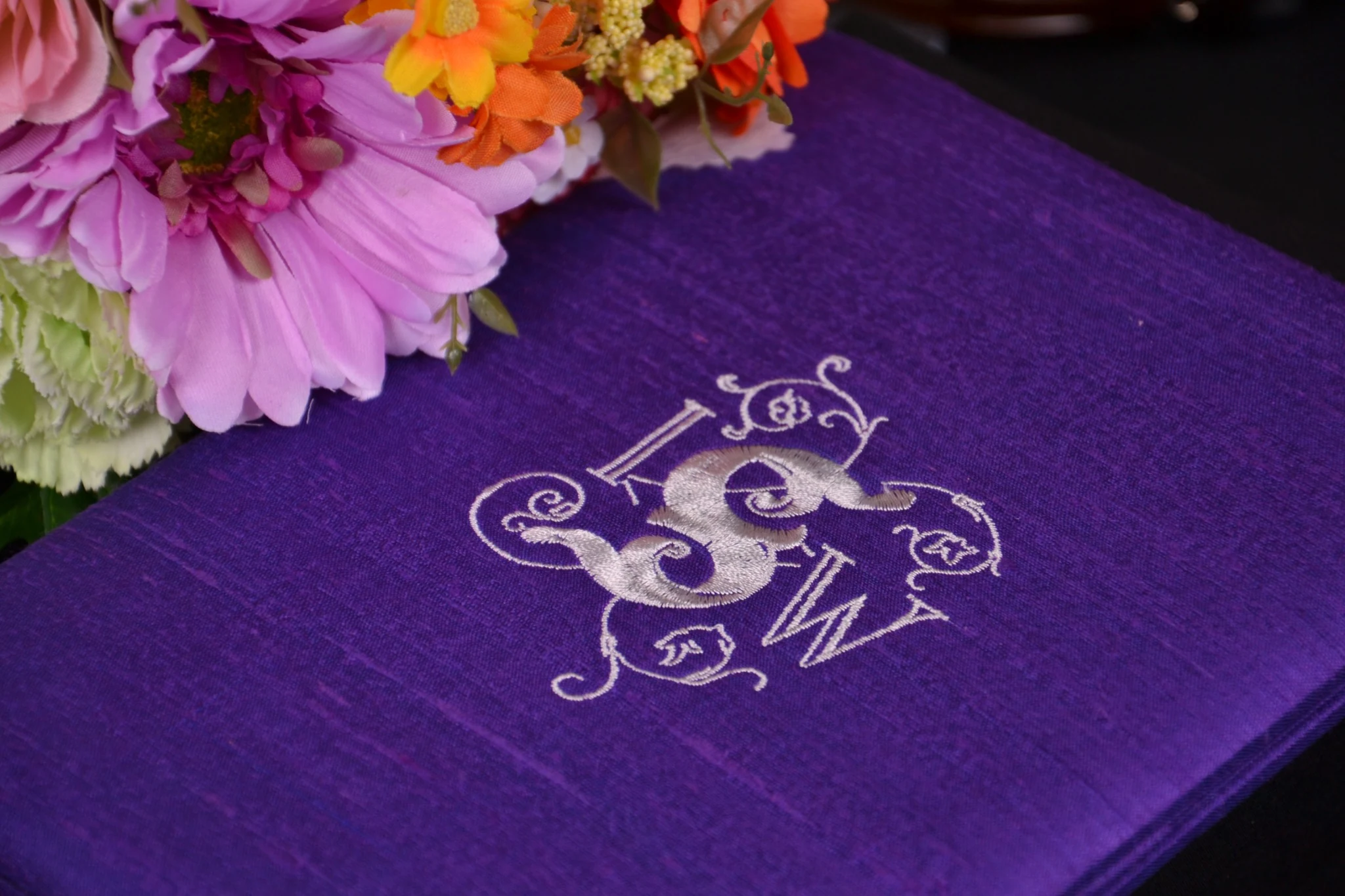
Embroidery brings visible thread and texture to the silk. Share the original artwork and intended placement so the atelier can discuss line detail, lettering and suitability. The purple photograph shows an embroidered monogram; it is a reference finish, not a preview of your artwork.
Explore silk and finishing →Embroidery or hot foil?
Consider the character of your monogram as well as the wedding palette. Embroidery adds thread texture. Hot foil offers a stamped logo or monogram finish. Artwork suitability, finish color, scale and placement are discussed before the specification is confirmed.
Provide your artwork, preferred dimensions and placement, along with the reference photograph or product code you like. Small lettering and fine detail need review rather than a promise that every design will reproduce unchanged.
Outside signature. Inside reveal.
On the Classic Silk Invitation Box, an optional outside logo can be the only decorative detail; there is no embellishment or ribbon selection.
On the Elegant Embellished Invitation Box, an optional outside logo sits alongside the separate inner silk card panel, ribbon and jewel choices. Keep the outside signature and inside embellishment distinct when describing your design.
A few useful answers.
Do I have to add a logo?
No. An outside logo is optional. You can let the silk color and proportions speak for themselves.
How will I review my monogram?
Choose a photo proof or request a shipped physical proof after discussing the logo. Agree what the proof will show with the atelier; physical-proof shipping is additional at actual quoted cost and paid with the final order.
Give the monogram room to breathe.
A personal mark does not have to fill the lid. Consider the balance between the monogram, the silk texture and the proportions of the box. A centred mark can feel composed; a smaller placement can feel more discreet. Share the position you have in mind for the atelier to review.
Look at the artwork at its intended size. Thin lines, closely spaced initials and small lettering may need a different treatment in thread or foil. Send the clearest artwork available and explain which details matter most to you. The final finish is agreed after its suitability is reviewed.
Read the proof as a complete design.
Check the spelling, initials and orientation of the mark, then its size and position on the chosen silk. Review the finish color alongside the ribbon and jewel if you have selected an embellished box.
A photo proof helps you review the visible design remotely. If seeing the material and finish in person matters to your decision, discuss a shipped physical proof. Keep a record of the agreed artwork and specification, and make sure any revisions are reflected in the approval.
KEEP EXPLORING
Understand the details.
Have your invitation dimensions ready.
For example, a 5 × 7 inch card measures 12.70 × 17.78 cm; a 4½ × 6½ inch card measures 11.43 × 16.51 cm. These are stationery examples, not guaranteed fits for this photographed product. Confirm the finished card, any mounting mat, envelopes and total suite thickness.
See invitation card sizes and fit guidance →Personalized wedding invitation boxes.
Explore the construction, stationery fit and personal details in this guide. The final proposal confirms your chosen presentation and what is included.

Your logo, refined with care.
Your initial logo proof includes up to three revision rounds. Please combine your changes into one message per round. Further revisions are USD 50 per additional package of three rounds, agreed and paid before work continues. Browsing or saving designs before ordering does not use proof revisions. If your proof is awaiting a response after two days, we send a reminder. Production remains on hold until you approve the latest proof.
One revision round means one combined feedback message on the current proof. Select Approve, Decline or Request changes in your private account. Choosing Decline with changes counts as a revision request. Approval applies to the latest proof only; an unanswered proof is never treated as approved.